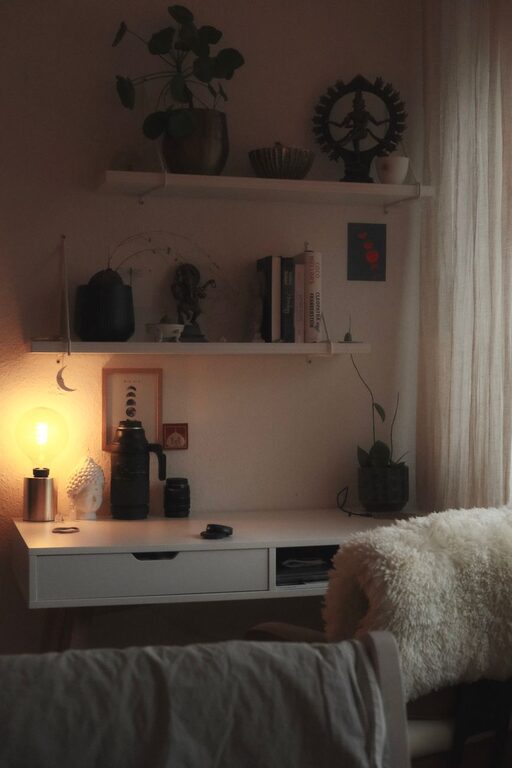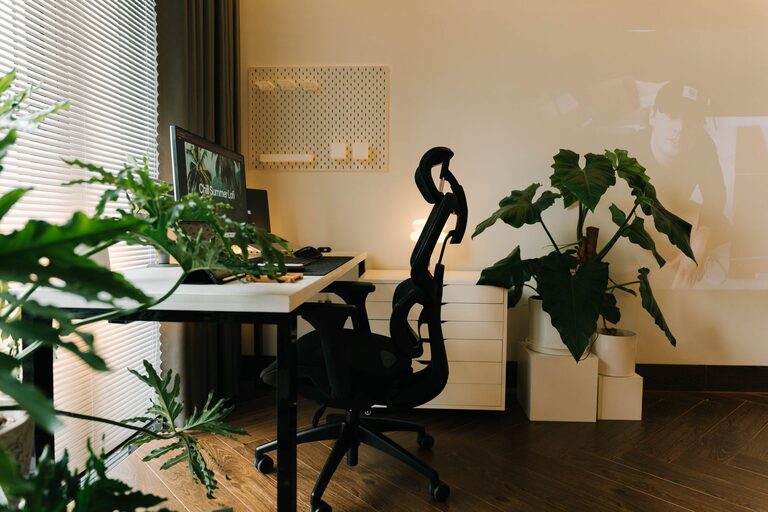
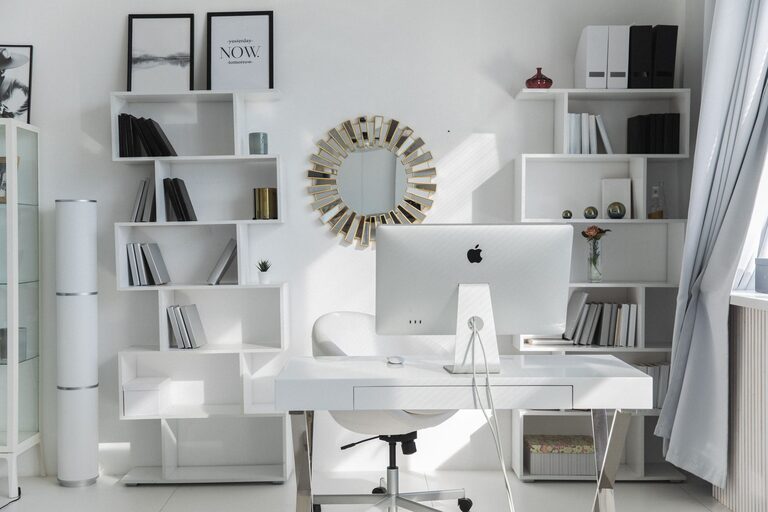
Creating a productive home workspace is essential for anyone working remotely, freelancing, or managing tasks from home. A well-organized environment promotes focus, reduces distractions, and helps separate work from personal life. Whether you have a dedicated room or just a small corner of your home, these tips will help you design an efficient and comfortable workspace.
Choose the Right Location
Selecting the right spot is the first step to creating an effective workspace. Ideally, this area should be quiet, well-lit, and free from frequent interruptions.
– Pick a dedicated space: Avoid working from your bed or couch. Choose a specific area that signals “work mode” to your brain.
– Consider natural light: Position your desk near a window if possible. Natural light enhances mood and reduces eye strain.
– Minimize distractions: Find a location away from high-traffic zones or noisy appliances.
Invest in Ergonomic Furniture
Comfort plays a big role in productivity. An ergonomic workspace reduces physical discomfort and helps maintain focus for longer periods.
– Choose a supportive chair: Select one with good lumbar support and adjustable height.
– Use a desk at the right height: Your desk should allow your forearms to rest parallel to the floor.
– Position your monitor properly: The top of your screen should be at or slightly below eye level to prevent neck strain.
Declutter and Organize
A clutter-free area encourages calm and quicker access to what you need.
– Keep only essentials on your desk: Limit desk items to frequently used tools like your computer, notepad, and pens.
– Use storage solutions: Use shelves, drawers, or organizers to keep documents and supplies tidy.
– Adopt a filing system: Sort paperwork into categories with clear labels to avoid piles stacking up.
Embrace Technology and Tools
Good tools streamline work and help maintain focus.
– Use cable management: Keep wires neat using clips or sleeves to avoid tangles.
– Optimize your digital workspace: Organize your files and apps into folders to minimize digital clutter.
– Consider noise-canceling headphones: They can block household distractions and improve concentration.
Set Boundaries and Routine
A productive workspace also depends on your habits and mindset.
– Define working hours: Set clear start and end times for your workday to maintain balance.
– Communicate boundaries: Let family or roommates know your schedule to reduce interruptions.
– Incorporate breaks: Use techniques like the Pomodoro method to work in focused bursts with short rests.
Personalize Your Workspace
Adding personal touches can increase comfort and motivation.
– Add greenery: Houseplants can improve air quality and add a soothing element.
– Use inspiring decor: Artwork, motivational quotes, or your favorite colors can make the space more inviting.
– Keep a water bottle nearby: Staying hydrated supports mental clarity throughout the day.
Maintain Cleanliness Regularly
A tidy environment contributes to ongoing productivity.
– Daily quick tidying: Spend a few minutes at the end of each day putting things away.
– Weekly deep clean: Dust, wipe surfaces, and vacuum to keep your area fresh.
– Discard unnecessary items: Regularly review supplies and paperwork to prevent accumulation.
Optimize Lighting and Sound
Your senses greatly affect how well you work.
– Supplement lighting: Use desk lamps with adjustable brightness for overcast days or evening work.
– Control sound: Soft background music, white noise machines, or quiet spaces can aid concentration.
– Avoid glare: Position screens and lights to minimize reflections that cause eye fatigue.
Final Thoughts
Organizing a productive home workspace takes time and some trial and error, but the payoff is well worth it. Prioritize comfort, order, and a clear separation between work and home life. With the right setup and habits, you’ll create an environment where focus and creativity can thrive every day.
Remember, the best workspace is one tailored to your unique needs and preferences. Start small, make adjustments, and enjoy the process of building a workspace that works for you.